Create Map VideosAnd Map Animations
MapVid turns one prompt into a ready-to-edit map video for route animation, region highlights, geography explainers, and creator workflows.
Map videos for the stories people already tell
MapVid is for creators who need map shots inside real videos, not just pretty demos. The story comes first, and the workflow has to hold up when it is time to actually ship.
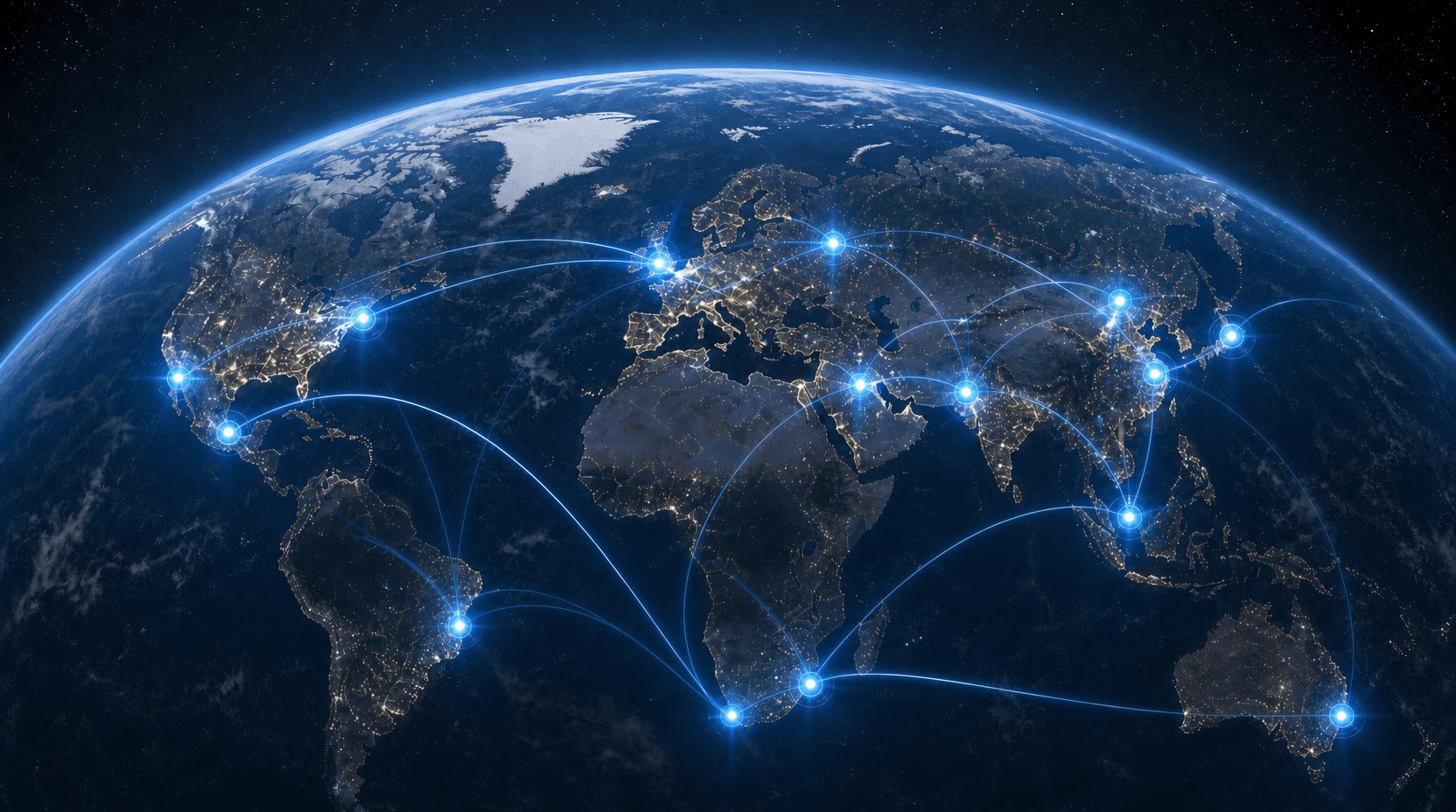
For creators telling map-based stories. Use MapVid when geography is part of the story.
From breaking news to classroom explainers to travel videos, the core use cases stay grounded in the stories people already make.
Show borders, conflict zones, election maps, regional context, and territorial shifts with clear map motion.
Turn country overviews, classroom explainers, and map-based lessons into visuals people can actually follow.
Animate flights, road trips, shipping paths, and point-to-point journeys without drawing them by hand.
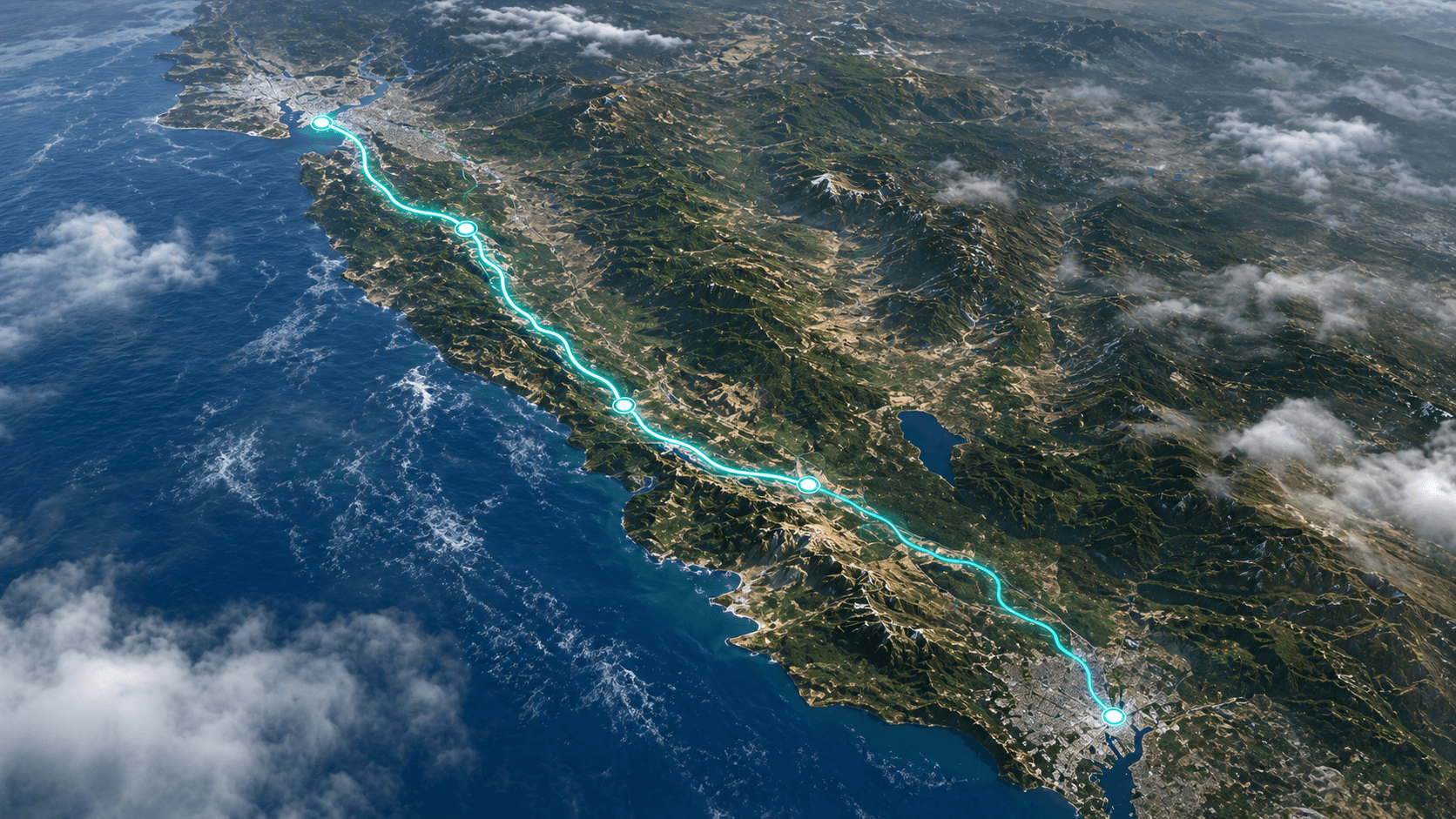
For creators who need map shots fast. Turn one prompt into a usable shot, adjust it, and export when it looks right.
The value is not just animation. It is getting a clear map scene without learning After Effects or rebuilding every shot by hand.
Start with a single sentence and get a map shot you can review right away.
Keep motion readable and place names visible before you commit to export.
Export high-quality map videos for YouTube, explainers, presentations, and social clips.
Map animation workflow: prompt, preview, export
The product promise is simple: one sentence in, usable map shot out. MapVid handles the heavy lifting between intent and finished map video.
Prompt
Describe the map animation you want in one sentence: route, region, labels, tone, and intended audience.
Preview
MapVid generates a preview so you can inspect camera framing, path shape, timing, and visible place names.
Refine and export
Adjust the generated scene, then export a map video built for YouTube, education, presentations, or social clips.
Why creators use MapVid for map video
People searching for an AI map video generator usually need speed, usable preview output, and enough control to trust the export. MapVid keeps those expectations visible on the homepage instead of hiding them behind a vague editor promise.
Need a static colored map first?
Use the AI map coloring tools to color countries, states, counties, subdivisions, and historical maps with plain-English prompts before exporting SVG, PNG, or JSON.
Simple plans for map video work
MapVid pricing should match the product people are evaluating on this page: an AI map video generator for route animation, geography explainers, and clean export workflows.
Free
- 5 Generationen pro Monat
- 1 Export pro Monat
- Export bis 720p
- Export mit Wasserzeichen
Standard
- 100 Generationen pro Monat
- 20 Exporte pro Monat
- Export bis 1080p
- Kein Wasserzeichen
Enterprise
- Individuelles Generation- und Exportvolumen
- Begleitetes Onboarding und Support durch das Sales-Team
Fragen zur Kartenanimation
Die wichtigsten Fragen, bevor du mit MapVid animierte Kartenvideos erstellst.
Start making map videos now
If you need an AI map video generator for YouTube, education, travel routes, or geography explainers, the next step is the real product flow: create an account and generate your first map shot.
Direct signup fits the product better than a waitlist. The homepage now supports the same promise the app is trying to deliver: prompt in, preview out, export next.